
-
-
Open Hours: Mon - Fri (8:00 am - 5:00 pm)
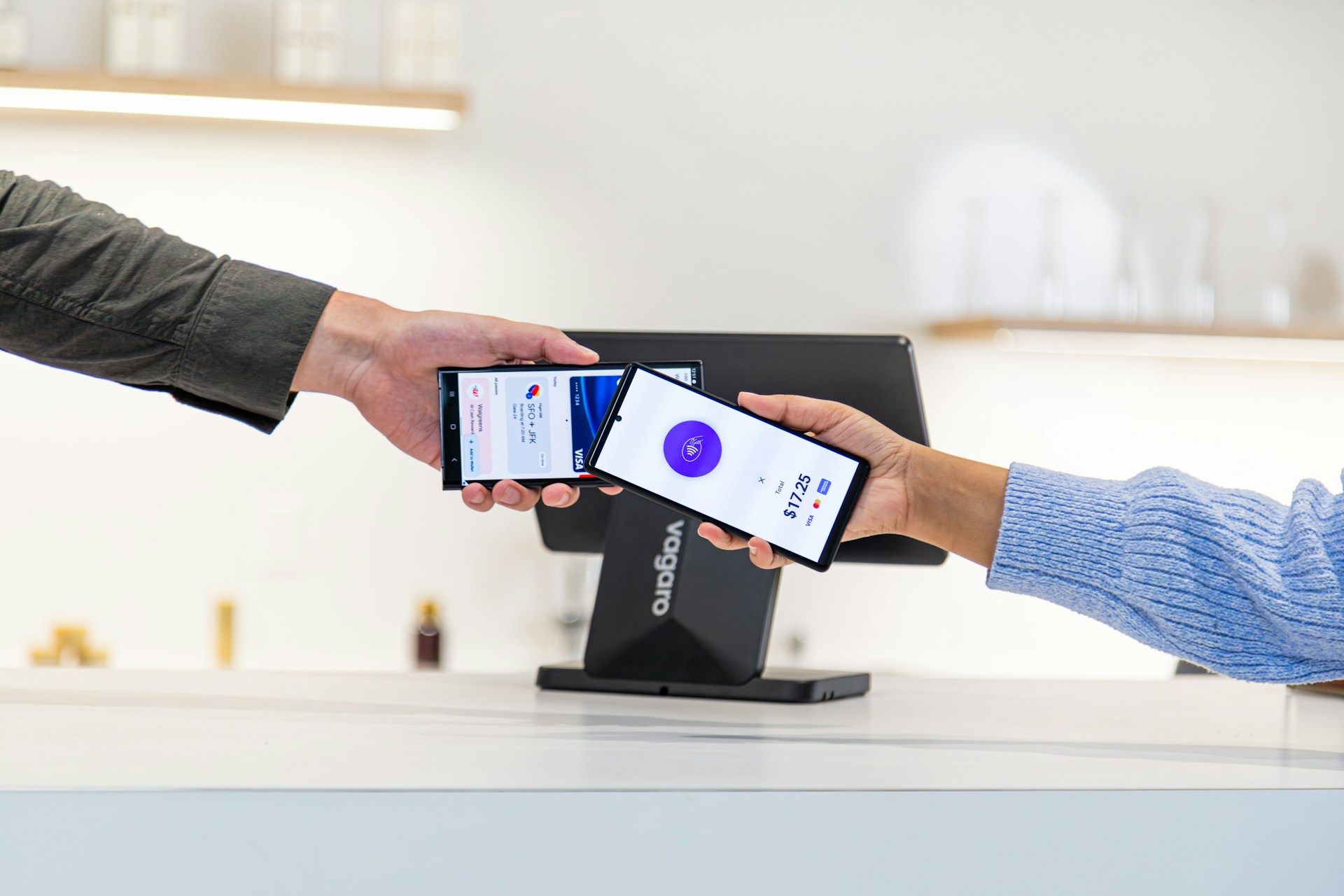
All payments made towards EACML municipal invoices are subject to verification and reconciliation against the relevant invoice and account. Once a payment has been successfully verified, the payment record is updated accordingly on the Municipal Portal.
Payment Confirmation
A successful bank transfer or payment does not necessarily mean that the invoice has been immediately marked as paid. Payments are first verified and matched with the relevant invoice before the payment status is updated.'
Payment Receipts
Users should retain their bank transfer receipt, transaction reference, or other payment evidence after making a payment. These records may be required where a payment cannot immediately be identified or allocated to the correct invoice.
Updating Payment Status
Following successful verification, the corresponding invoice will be updated to reflect the payment received. Users can refer to their Municipal Portal account to view the status of their invoices and payment records.
Unreflected Payments
If a payment has been made but the corresponding invoice continues to show as outstanding, users should contact the EACML Municipal Services team with the relevant invoice reference, payment date, transaction reference, and payment evidence to facilitate verification.
Incorrect or Unallocated Payments
Where a payment has been made using incorrect payment details or cannot be matched to an invoice, additional verification may be required before the payment can be allocated to the appropriate account.
Keeping Payment Records
Users are encouraged to keep copies of their payment confirmations and receipts for their records. These documents provide evidence of payment and may assist in resolving future billing or reconciliation queries.
Tell us so we know what to improve. It takes one click.
Stay Connected